Tour Software Integrations – Tour Management Made Right
Integrations for Tour Management Software
Tour software integrations that connect Tour Management Made Right to the tools you already use. Sync invoices with QuickBooks or Xero, pull booking data from online platforms, keep calendars in sync with Google and Outlook, and use CSV import/export or the API to move data however you need.
QuickBooks and Xero Sync
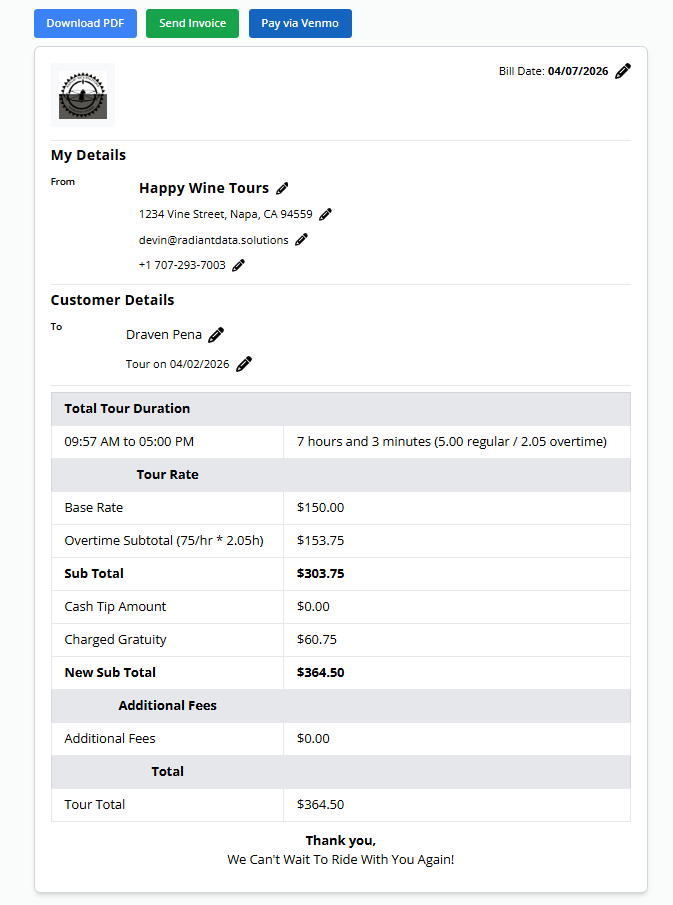
Push invoices, payments, and expenses directly to QuickBooks or Xero. No double entry. Your books stay current without anyone copying numbers between apps.
New invoices created in Tour Management Made Right appear in your accounting software automatically. Payment status syncs both ways.
Booking Platform Connections
Connect to online booking platforms to pull in new reservations automatically. Guest details, tour dates, and payment info flow into Tour Management Made Right without manual re-entry.
Availability stays in sync across platforms, reducing double bookings and scheduling conflicts.
Calendar Sync with Google and Outlook
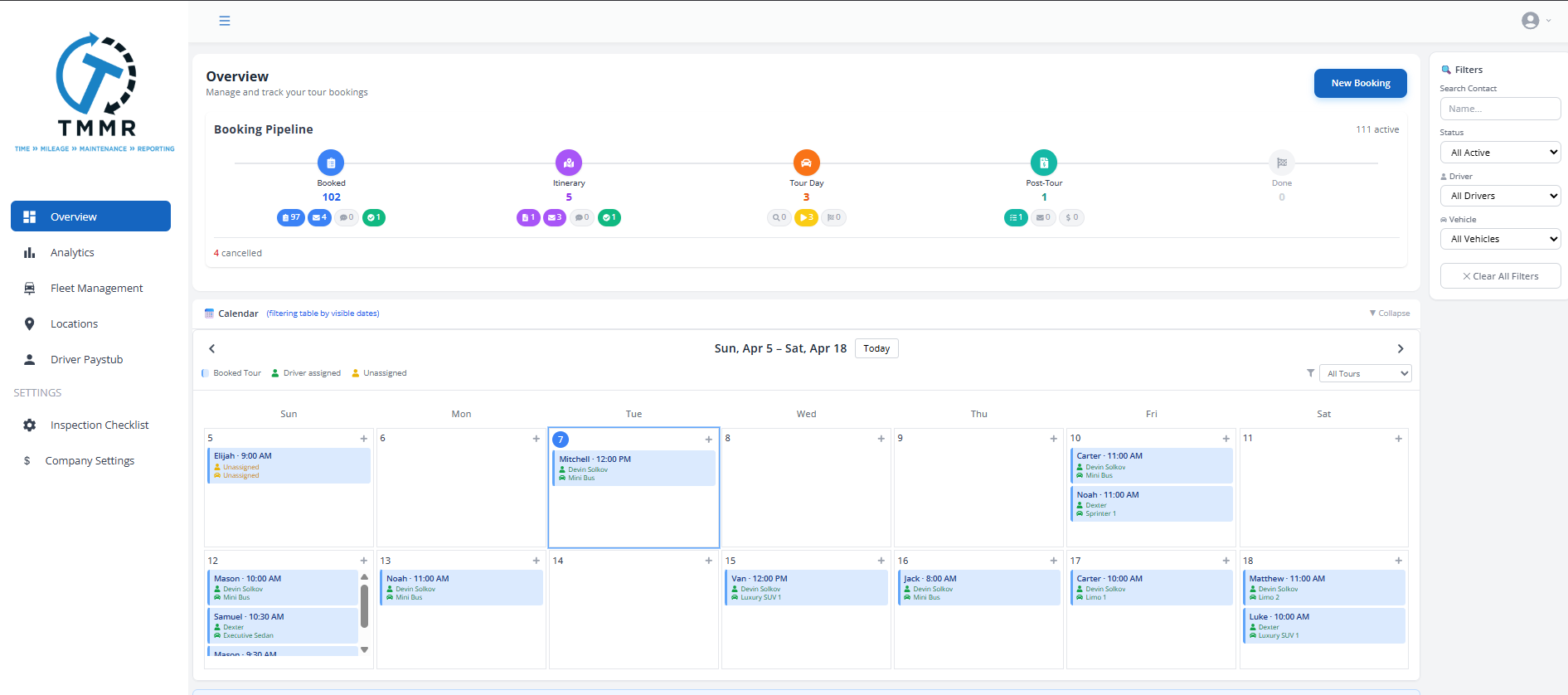
Tour schedules and driver assignments sync to Google Calendar or Outlook. Drivers see their next tour on the same calendar they already check every morning.
Changes in Tour Management Made Right update the calendar automatically. No need to manually add or update events.

API Access and CSV Import/Export
Use the Tour Management Made Right API to build custom workflows or connect to tools we do not integrate with natively. Pull tour data, push bookings, or automate anything that involves moving data in or out.
For simpler needs, CSV import and export work for guest lists, financial data, and driver records.
How It Works
Connect your tools, sync your data, and stop copying things by hand.
Connect Your Accounts
Link QuickBooks, Xero, Google Calendar, Outlook, or booking platforms from the integrations settings page. Most connections take under a minute.
Configure What Syncs
Choose which data flows between Tour Management Made Right and each connected tool. Invoices, bookings, calendar events, and expenses can each be toggled on or off.
Work Without Double Entry
Data moves between your tools automatically. New bookings, invoices, and schedule changes sync without anyone copying numbers or re-entering information.
Tour Software Integrations for Wine Country Operators
Sync winery booking calendars directly into Tour Management Made Right so you always know which tastings have availability. Connect to wine country tourism platforms that send you group reservations. When a new booking comes in from a Napa or Sonoma listing site, it flows straight into your schedule and driver assignments without a phone call or email.
Tour Management Made Right vs. Disconnected Tools
| Capability | Manual | Tour Management Made Right |
|---|---|---|
| Accounting sync | Re-enter invoices by hand | Auto-sync to QuickBooks or Xero |
| Booking imports | Copy from email into a spreadsheet | Pull bookings from platforms automatically |
| Calendar updates | Add events manually to Google/Outlook | Schedules sync to calendars automatically |
| Data export | Screenshot or copy-paste | One-click CSV and PDF export |
| Custom workflows | Not possible | API access for any custom connection |
| Data import | Manual entry from old system | CSV import for bulk data migration |
Frequently Asked Questions
Which accounting software does Tour Management Made Right integrate with?
Tour Management Made Right integrates with QuickBooks and Xero. Invoices, payments, and expenses sync automatically between Tour Management Made Right and your accounting software.
Can I connect to online booking platforms?
Yes. Tour Management Made Right connects to popular booking platforms to pull in reservations automatically. Guest details, dates, and payment info are imported without manual entry.
Does Tour Management Made Right sync with Google Calendar?
Yes. Tour schedules and driver assignments sync to Google Calendar and Outlook. Changes made in Tour Management Made Right update calendar events automatically.
Is there an API?
Yes. The Tour Management Made Right API gives you full access to tour, booking, driver, and financial data. Use it to build custom integrations or automate workflows.
Can I import data from my current system?
Yes. Use CSV import to bring in guest lists, driver records, tour history, and financial data from your existing tools.
How long does setup take?
Most integrations connect in under a minute. QuickBooks and Xero require a one-time authorization step. Calendar sync is instant after linking your account.
What if my tool is not listed?
Use the API or CSV export/import to connect with tools that do not have a native integration. If you need help, reach out and we can discuss options.