Driver Scheduling Software for Tour Companies – Tour Management Made Right
Driver Scheduling Software for Tour Companies
Driver scheduling software that stops the juggling of text messages and spreadsheets to fill your tour calendar. Tour Management Made Right gives you a drag-and-drop scheduling board that matches driver availability, detects conflicts, and publishes schedules straight to the driver mobile app.
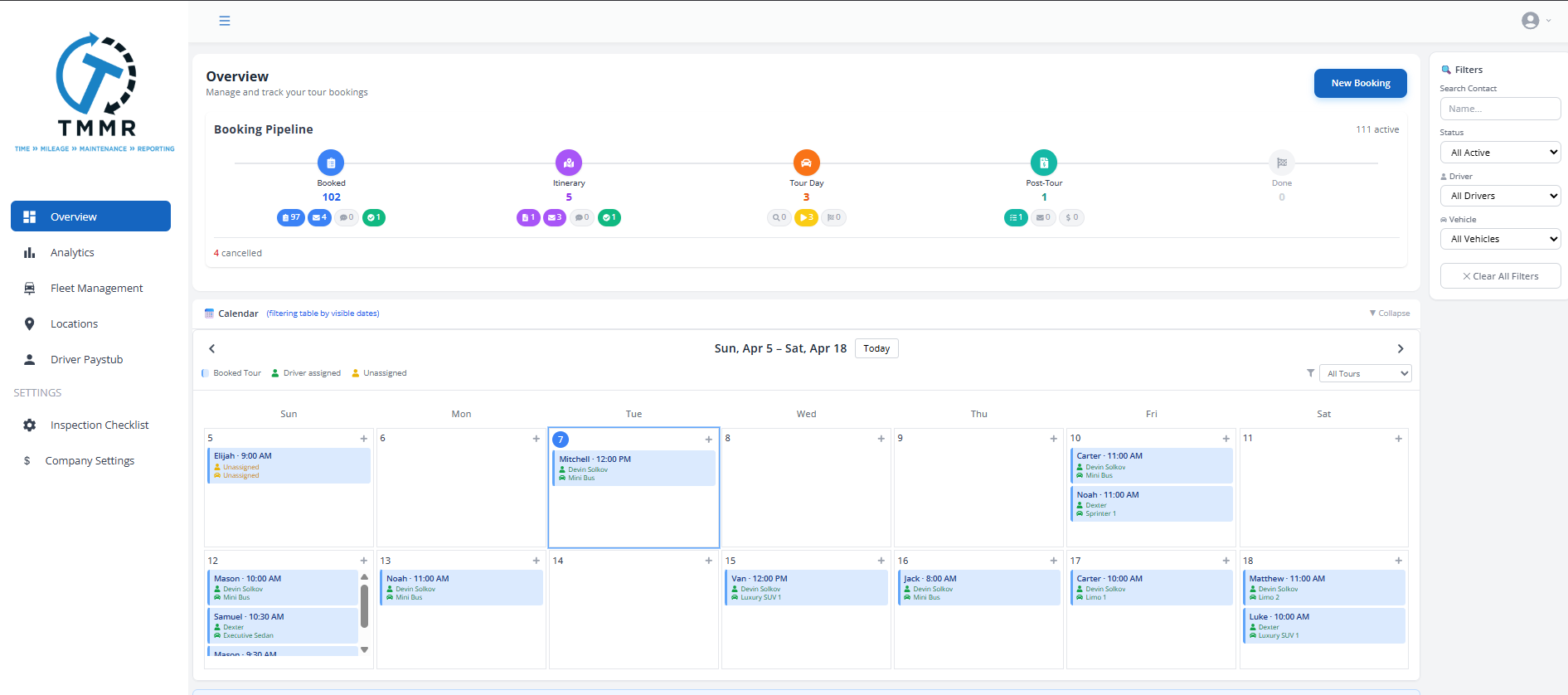
Drag-and-Drop Calendar
View your full tour schedule on a daily, weekly, or monthly calendar. Drag drivers onto tours, move assignments between dates, and see gaps instantly. The calendar shows tour times, vehicle assignments, and driver names in one view.
Color-coded by tour type so you can tell wine tours from brewery runs at a glance.
Availability Matching
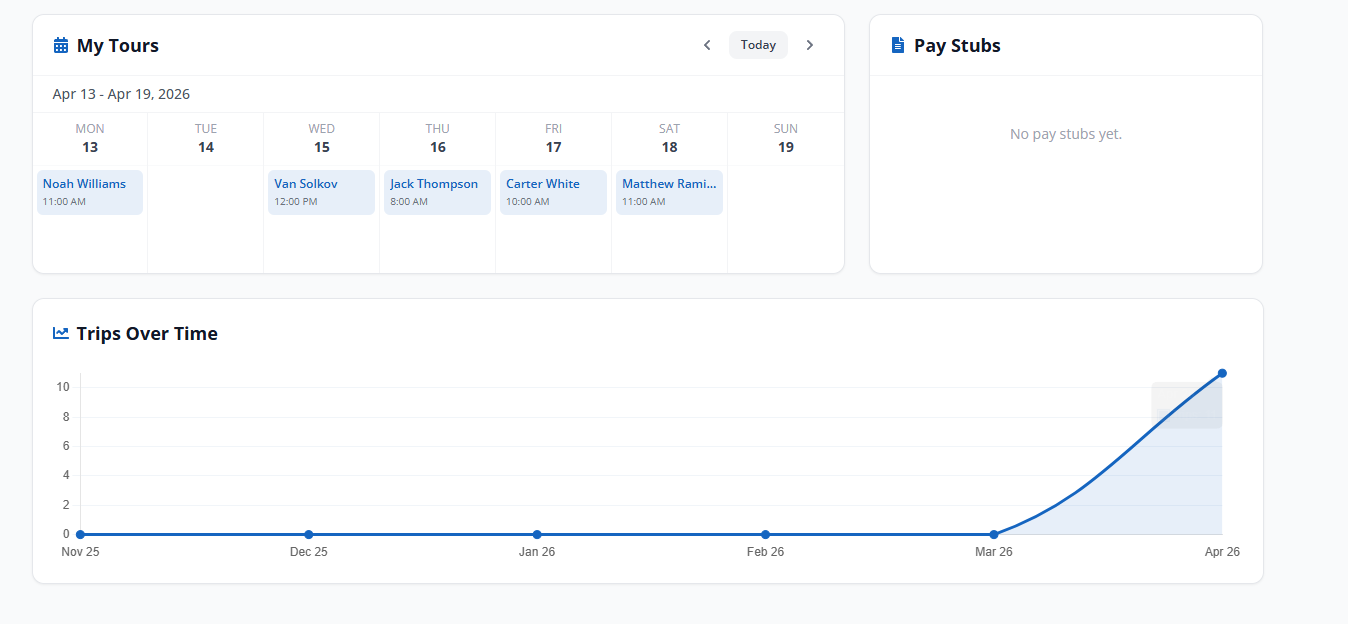
Drivers set their own availability through the mobile app. When you create a tour, Tour Management Made Right shows only drivers who are available, qualified, and not already booked. No more back-and-forth phone calls to fill a shift.
Filter by certification, vehicle type, or tour experience to narrow the list even further.
Conflict Detection
Tour Management Made Right flags double-bookings, overtime violations, and rest-period conflicts before you confirm an assignment. If a driver is already booked for a morning Sonoma tour, you’ll see the warning before assigning them to an afternoon Napa run.
Prevents scheduling mistakes that lead to missed pickups and unhappy guests.

Schedule Publishing and Notifications
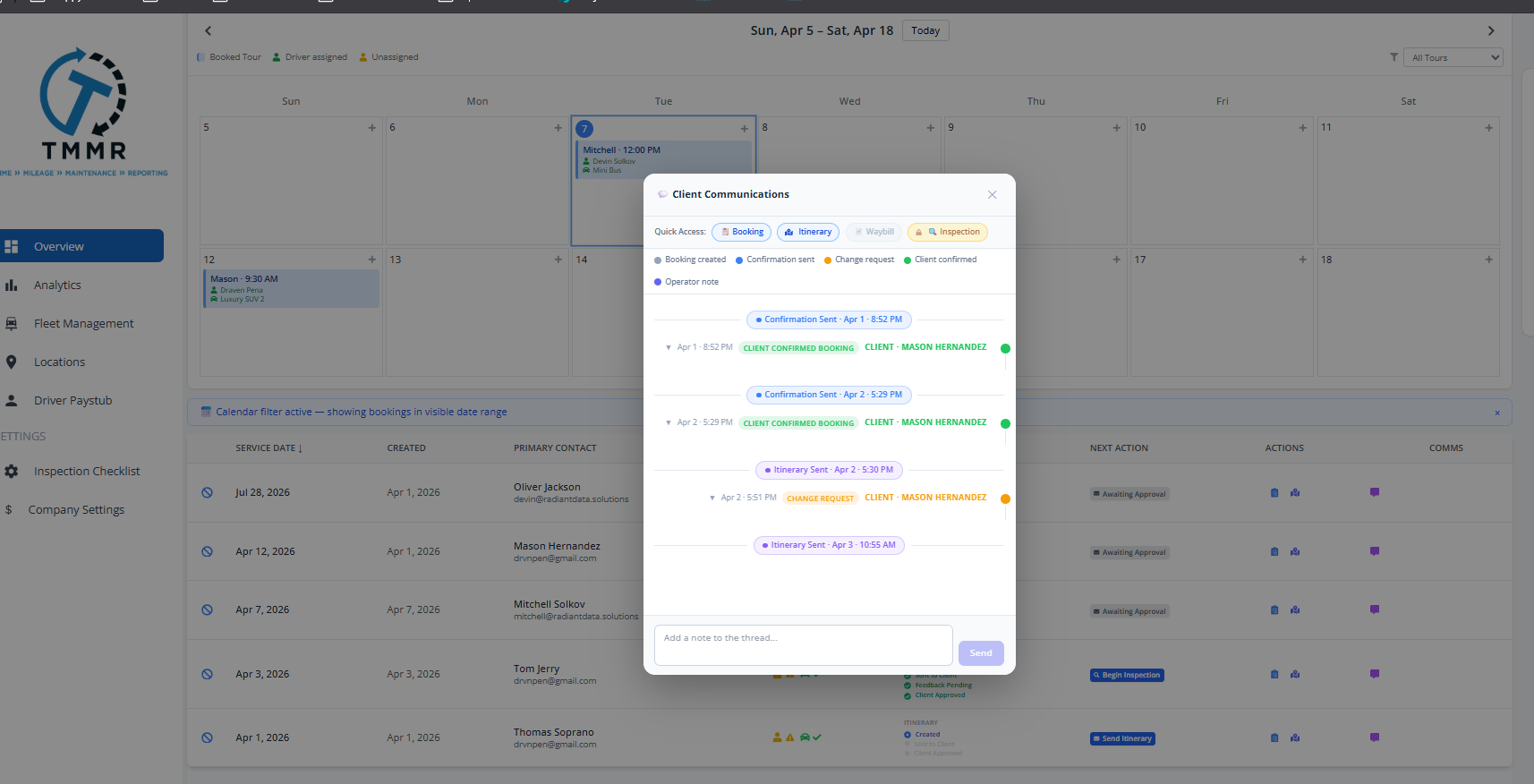
Publish the schedule and every assigned driver gets a push notification on their phone. Changes to tour times, pickup locations, or vehicle assignments trigger instant alerts. Drivers always have the latest version.
Links directly to Driver Communication for follow-up messages and confirmations.
From Open Tour to Assigned Driver in 3 Steps
Create the Tour
Add tour details: date, time, pickup location, winery stops, vehicle needed, and guest count.
Match a Driver
Tour Management Made Right shows available, qualified drivers. Pick one or let the system suggest the best match based on workload and proximity.
Publish the Schedule
Hit publish. The driver gets notified on their phone with all tour details, route info, and guest manifest.
Driver Scheduling Software for Seasonal Tour Demand
Wine country operators know the drill: crush season hits and your schedule doubles overnight. Wine club pickup events, harvest tours, and holiday bookings all spike at once. Tour Management Made Right handles seasonal surge scheduling so you can scale your driver roster up in September and back down in January without losing track of who’s available, who’s certified, and who’s already at 40 hours.
Tour Management Made Right vs. Spreadsheets and Generic Tools
| Capability | Spreadsheets | Tour Management Made Right |
|---|---|---|
| Visual calendar view | Manual formatting | Drag-and-drop board |
| Availability matching | Phone/text each driver | Automatic filtering |
| Conflict detection | Eyeball it | Instant warnings |
| Schedule publishing | Email/text blast | One-click push notification |
| Seasonal scaling | Copy last year’s sheet | Dynamic driver pool |
| Change notifications | Manual follow-up | Automatic alerts |
Frequently Asked Questions
Can I drag and drop drivers onto tours?
Yes. The scheduling board supports drag-and-drop assignment. Move drivers between tours or dates with a click.
How does availability matching work?
Drivers set their availability in the mobile app. When you schedule a tour, Tour Management Made Right filters to only show drivers who are available, qualified, and not already booked.
What happens if I double-book a driver?
Tour Management Made Right will flag the conflict before you confirm. You’ll see a warning with the overlapping tour details so you can reassign before publishing.
Can drivers see their schedule on their phone?
Yes. Published schedules appear in the driver mobile app with tour details, pickup times, route info, and guest count.
Does Tour Management Made Right handle recurring tours?
Yes. Set up recurring tour templates (daily, weekly, or custom) and Tour Management Made Right will auto-generate the schedule. You just assign drivers.
Can I manage seasonal driver pools?
Yes. Add seasonal or part-time drivers to your roster with their own availability windows. They’ll show up in matching only when they’re active.
Does the schedule connect to driver performance data?
Yes. Every completed tour feeds into Performance Tracking with on-time rates, guest ratings, and tour history per driver.