Client & Guest Management for Tour Operators – Tour Management Made Right
Client and Guest Management for Tour Operators
Guest management software for the repeat clients and referrals that drive your best revenue. Tour Management Made Right stores client profiles, guest preferences, booking history, and group details so you can deliver personalized service on every tour without digging through old emails.
Client Database
Every client gets a profile: company name, contact details, billing info, and a full history of every tour they’ve booked. Search by name, company, or phone number to pull up any client in seconds.
Know who your top clients are, how often they book, and what types of tours they prefer.
Guest Preferences and Special Requests
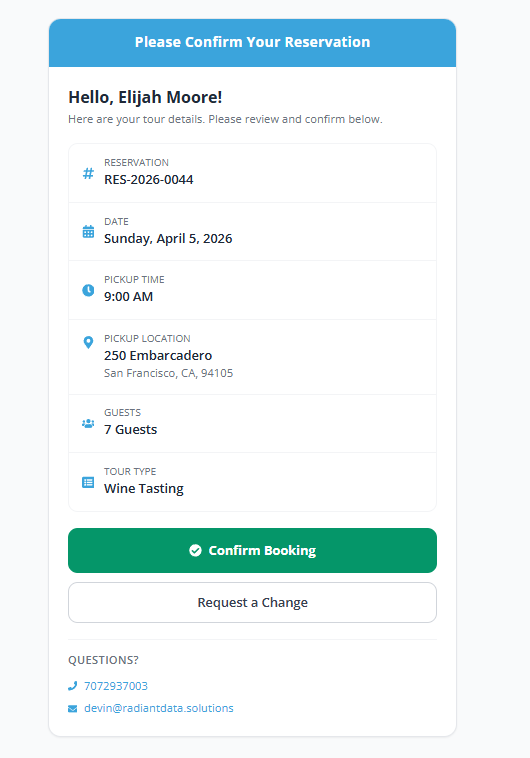
Record guest-level details: wine preferences (reds vs. whites, favorite varietals), dietary needs, accessibility requirements, and celebration occasions. This info travels with the booking so drivers know what to expect before the tour starts.
Returning guests don’t need to repeat themselves. Their preferences carry forward automatically.
Booking History and Repeat Tracking
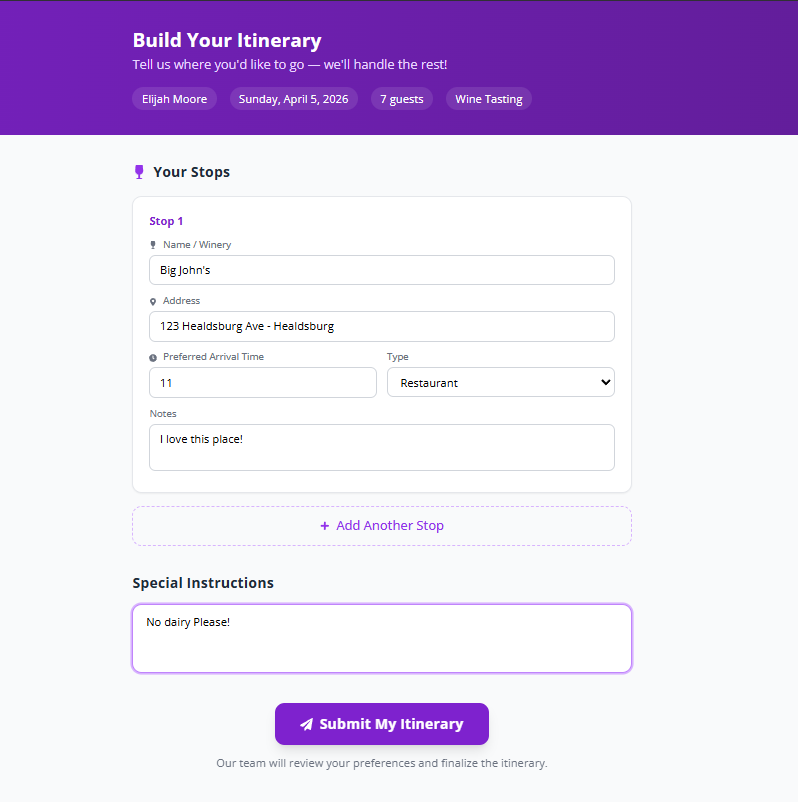
See every past booking for a client: dates, routes, drivers, guest counts, invoices, and notes. Spot repeat customers instantly and use their history to tailor future tours.
Links directly to Tour Booking Management so you can create a new tour from an existing client profile in one click.
Group Management
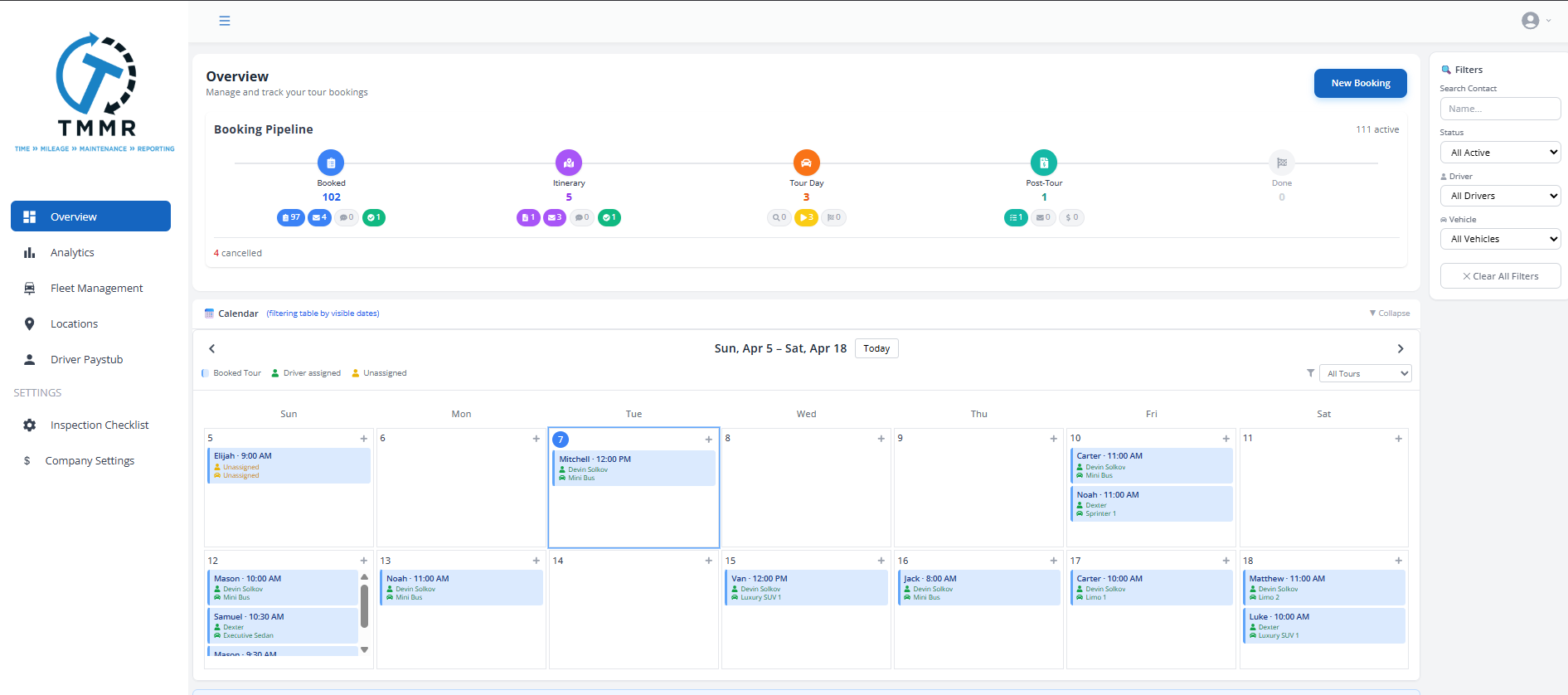
Corporate events, bachelorette parties, family reunions. Group bookings have unique needs: multiple vehicles, split billing, and varying headcounts. Tour Management Made Right lets you manage groups as a single booking with individual guest details underneath.
Track RSVPs, assign guests to vehicles, and share the passenger manifest with drivers.

From New Client to Repeat Customer in 3 Steps
Create the Client Profile
Add contact details, company info, and any known preferences. Tour Management Made Right auto-creates a profile when you add a new client to a booking.
Capture Guest Details
Record guest names, preferences, dietary needs, and special requests for each booking. This data stays attached to the client for future tours.
Personalize Every Tour
When the client books again, pull up their history and preferences automatically. Drivers see guest details before the tour starts.
Guest Management Software for Wine Tour Operators
Wine country guests come back. The bachelorette party from last spring rebooks for a birthday. The corporate group returns for their annual retreat. Tour Management Made Right remembers their wine preferences, their favorite wineries, their dietary restrictions, and their driver requests so every return visit feels personal, not transactional.
Tour Management Made Right vs. Spreadsheets and Generic Tools
| Capability | Manual Process | Tour Management Made Right |
|---|---|---|
| Client profiles | Scattered contacts | Centralized database |
| Guest preferences | Sticky notes | Stored per guest |
| Booking history | Email search | Full timeline |
| Group management | Separate spreadsheets | Grouped under one booking |
| Repeat client identification | Memory | Automatic flagging |
| Driver-visible guest info | Text messages | In-app before tour |
Frequently Asked Questions
Can I import existing client data?
Yes. You can import clients from a CSV file when setting up Tour Management Made Right. Map your columns to Tour Management Made Right fields and bring your existing client database in at once.
Do guest preferences carry forward to future bookings?
Yes. Once you record preferences for a guest, they are stored on the client profile and automatically attached to any future booking for that client.
Can drivers see guest details before the tour?
Yes. Drivers see guest names, preferences, dietary needs, and special requests in the mobile app when viewing their assigned tour. No phone calls or text messages needed.
How does group booking work?
Create a booking and add multiple guests underneath it. You can assign guests to specific vehicles, track RSVPs, and manage split billing from one booking record.
Can I track how often a client books?
Yes. Each client profile shows a complete booking history with dates, tour types, spending totals, and frequency. Use this to identify your most valuable clients.
Is there a limit on the number of clients?
No. All plans support unlimited client profiles. There is no per-client fee.
Does Tour Management Made Right connect client data to invoicing?
Yes. Client billing info flows directly to Invoicing & Payments. When you generate an invoice from a completed booking, client details are already populated.