Driver Mobile App
Mobile App for Tour Drivers
Driver mobile app with everything your team needs in their pocket. View upcoming schedules, log mileage, submit tips, complete vehicle inspections, and navigate between stops. Works offline so drivers stay productive even in spotty-signal wine country backroads.
Schedule View and Tour Details
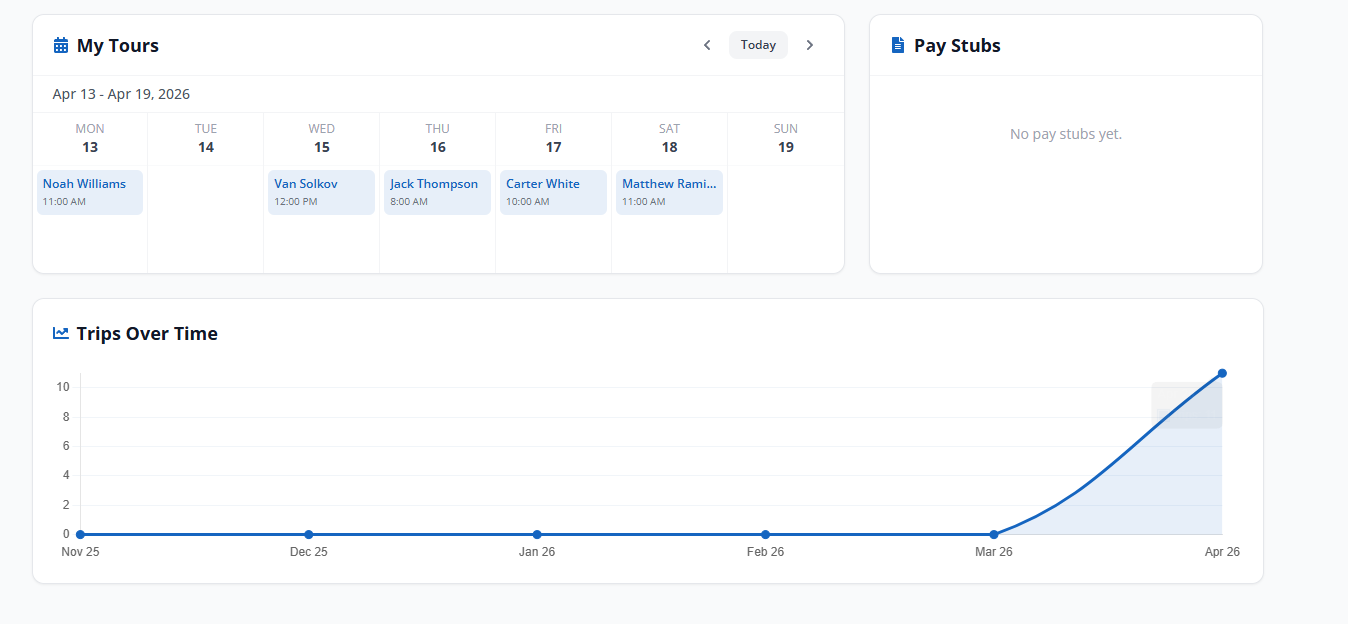
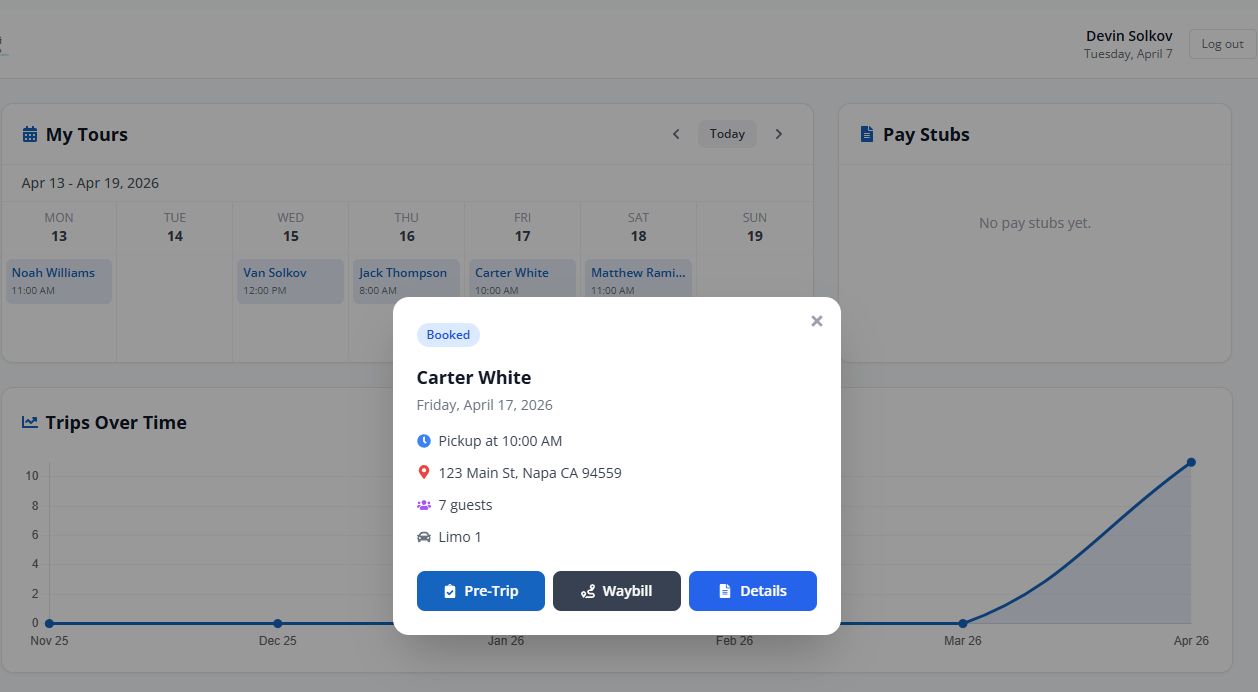
Drivers open the app and see today’s tours: pickup time, guest names, winery stops, vehicle assignment, and any special notes. Upcoming days are visible too. No calls to the office to ask “where am I going?”
Schedule changes from Driver Scheduling push to the app instantly with a notification.
Mileage and Expense Logging
Start and stop mileage tracking with a tap. The app logs odometer readings per tour, calculates total miles, and ties the data to the tour record for reimbursement and income tracking.
Drivers can also snap photos of fuel receipts, tolls, and other expenses directly in the app.
Vehicle Inspections
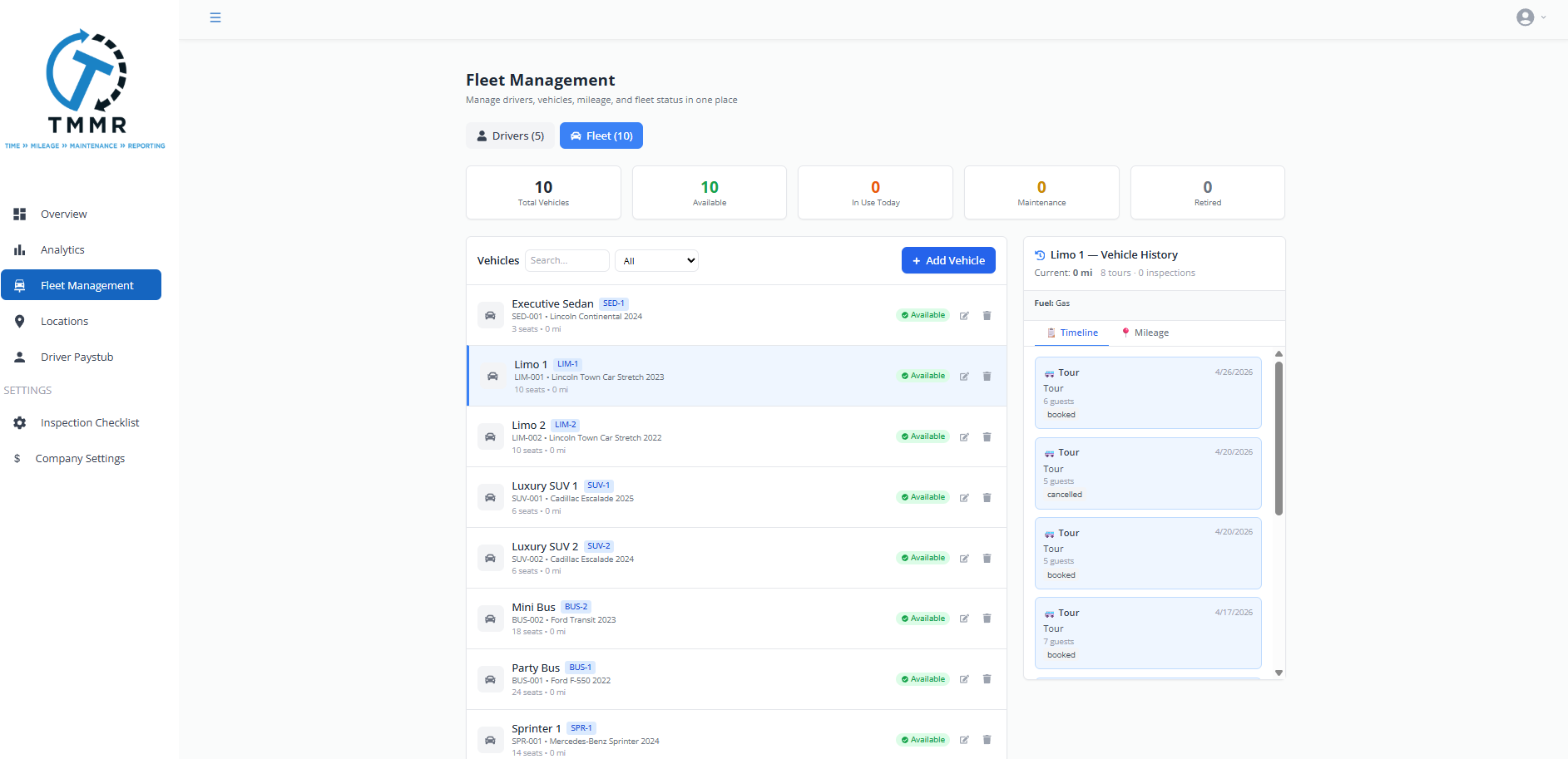
Pre-trip and post-trip inspection checklists built into the app. Drivers walk through each item: tires, lights, fluid levels, cleanliness, safety equipment. Flag issues with photos and notes. Inspection records attach to the vehicle profile in Fleet Management.
Navigation and Offline Mode
Turn-by-turn navigation to each stop on the itinerary. The app pre-loads route data so drivers can navigate even when cell signal drops. Tour details, guest lists, and inspection forms all work offline and sync when connectivity returns.

From Download to First Tour in 3 Steps
Download and Log In
Driver downloads the app and logs in with credentials from their Tour Management Made Right profile. No separate account setup.
Set Availability
Mark available days and preferred shift times. Dispatchers see this in real time when scheduling tours.
Start Driving
When a tour is assigned, the driver gets a notification with full details, navigation, and inspection checklist.
A Driver Mobile App Built for Backroad Navigation
Wine country drivers spend their days on rural roads between tasting rooms where cell service can be unreliable. The Tour Management Made Right mobile app pre-loads tour routes, guest details, and winery stop information so drivers can navigate, log tasting fees, and submit tips without worrying about signal. Everything syncs back to the office when they’re connected again.
Tour Management Made Right vs. Spreadsheets and Generic Tools
| Capability | Spreadsheets | Tour Management Made Right |
|---|---|---|
| Schedule access on the road | Screenshot or printout | Live app with push updates |
| Mileage tracking | Paper log | One-tap start/stop |
| Vehicle inspections | Paper checklist | Digital with photos |
| Tip logging | End-of-day text to office | Per-tour in-app entry |
| Navigation | Separate GPS app | Built-in turn-by-turn |
| Offline support | No offline access | Full offline mode |
Frequently Asked Questions
Is the mobile app available on iOS and Android?
Yes. The Tour Management Made Right driver app is available on both iOS and Android. Drivers download it from the App Store or Google Play.
Does the app work without cell service?
Yes. The app pre-loads tour data, routes, and inspection forms for offline use. Changes sync automatically when the driver reconnects.
Can drivers set their availability through the app?
Yes. Drivers mark available days and preferred times directly in the app. Dispatchers see updates in real time on the scheduling board.
How does mileage tracking work?
Tap to start at the beginning of a tour and tap to stop at the end. The app logs odometer readings and total miles, tying the data to the tour record.
Can drivers log tips in the app?
Yes. After each tour, drivers enter tip amounts by cash or card. Tips flow into Tip and Income Tracking for payroll and reporting.
What does the vehicle inspection include?
A configurable checklist covering tires, lights, fluid levels, cleanliness, safety gear, and any custom items. Drivers can attach photos and flag issues.
Do schedule changes show up automatically?
Yes. Any changes made in Driver Scheduling trigger a push notification to the affected driver with updated details.