Tour Route Planning Software – Tour Management Made Right
Tour Route Planning Software
Tour route planning that builds optimized multi-stop routes, gives accurate drive time estimates between wineries, and saves reusable templates. Share the final route with drivers before they leave the lot.
Multi-Stop Route Optimization
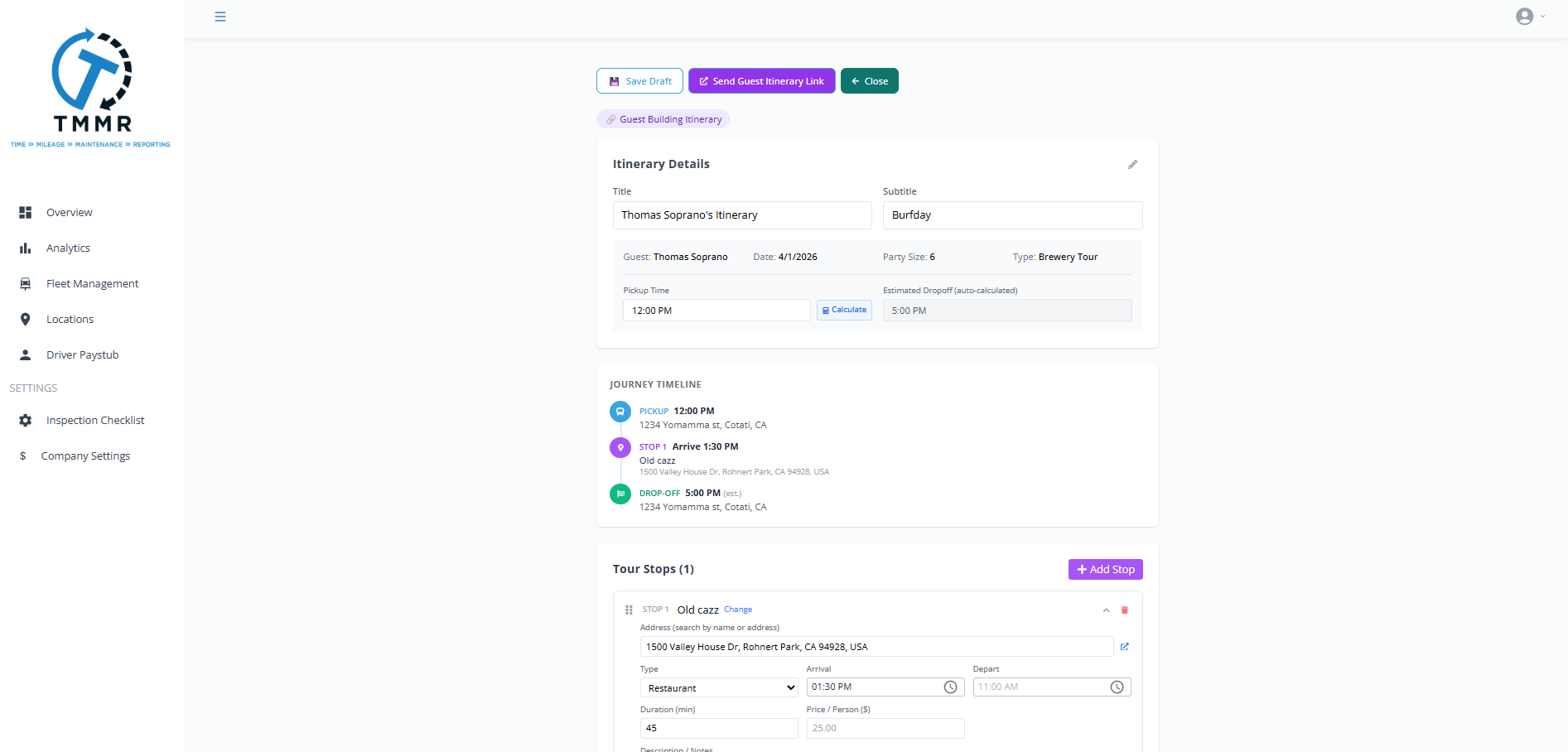
Add stops in any order and let Tour Management Made Right calculate the fastest sequence. The optimizer accounts for drive time between each location, stop duration, and required arrival windows. Drag stops to override the suggested order when a tasting reservation dictates the sequence.
Supports up to 20 stops per route, which covers even the most ambitious wine country day trips.
Drive Time Estimates
Get realistic drive times between every stop, not just straight-line distances. Tour Management Made Right factors in road conditions and typical traffic patterns so your schedule reflects what actually happens on Highway 29 at noon on a Saturday.
Estimates update when you reorder stops, so you always see the impact of a sequence change before you commit.

Route Templates
Save your best-performing routes as templates. Running the same Dry Creek Valley loop every weekend? Save it once and assign it in seconds. Templates include stop order, estimated durations, and any notes per stop.
Clone a template and adjust it for a specific group without touching the original.

Share Routes with Drivers
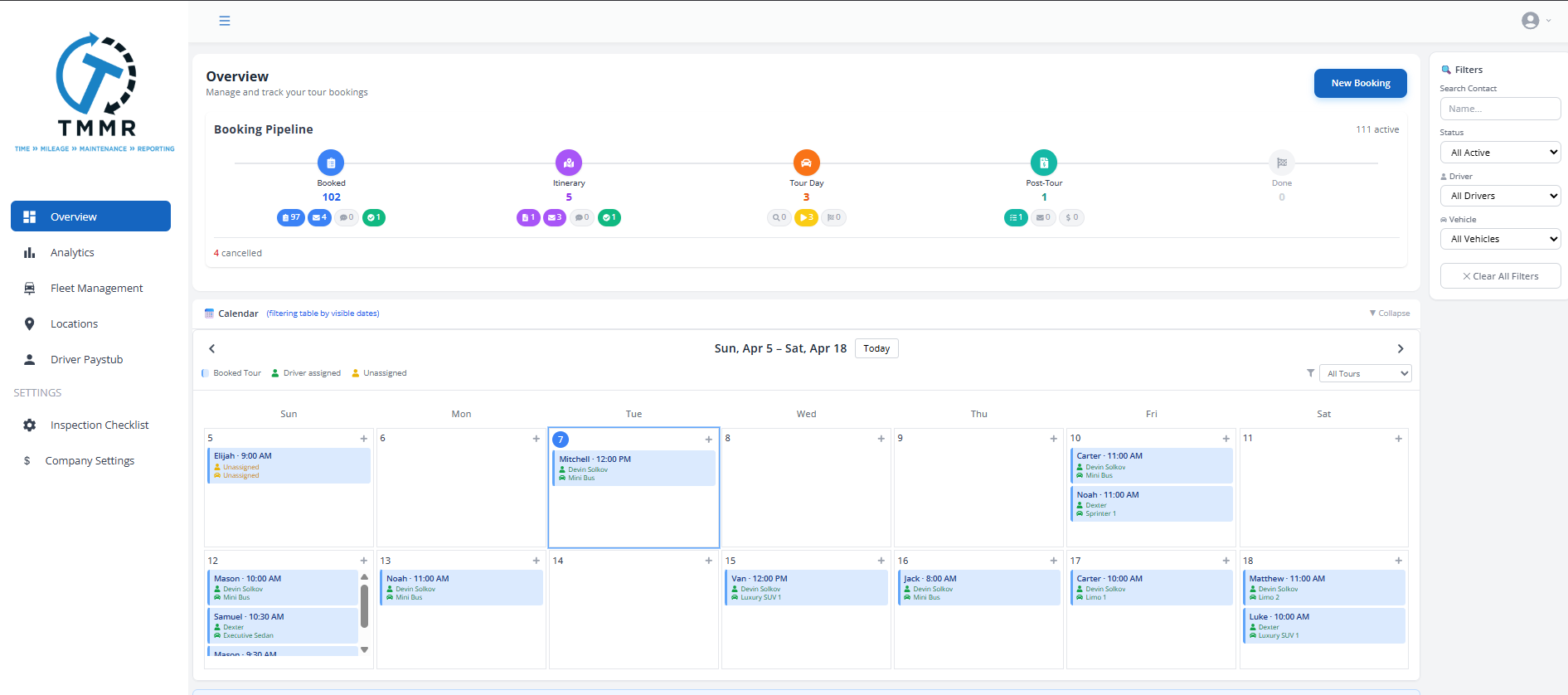
Publish the route and the assigned driver sees every stop, arrival time, and special instructions on their mobile app. No printing directions, no texting addresses, no confusion at the first pickup.
Drivers get turn-by-turn navigation directly from the route. Changes made by dispatch push to the app in real time.
From Stops to Published Route in 3 Steps
Add Your Stops
Enter wineries, restaurants, pickup points, and any other locations. Set arrival windows and time at each stop.
Optimize the Sequence
Tour Management Made Right calculates the best order based on drive time and reservation constraints. Adjust manually if needed.
Publish to Driver
Assign the route to a driver and vehicle. The full itinerary appears on their mobile app with navigation ready to go.
Tour Route Planning for Napa and Sonoma Wine Country
Wine country routing is not generic delivery logistics. You need to account for Highway 29 vs. Silverado Trail traffic, reservation-dependent stop ordering, winery tasting windows that shift by season, and the reality that some backroads to boutique wineries add 15 minutes you did not plan for. Tour Management Made Right is built for exactly this kind of route.
Tour Management Made Right vs. Spreadsheets and Google Maps
| Capability | Spreadsheets / Maps | Tour Management Made Right |
|---|---|---|
| Multi-stop optimization | Manual ordering | Auto-optimized |
| Drive time per leg | Look up each leg | Calculated instantly |
| Route templates | Copy-paste files | Save and reuse |
| Share with driver | Text/email links | Push to mobile app |
| Reservation time constraints | Manual notes | Built into optimizer |
| Real-time route changes | Resend directions | Instant app update |
Frequently Asked Questions
How many stops can I add to a single route?
Up to 20 stops per route. That covers a full day of wine tastings, lunch, and hotel pickups and drop-offs.
Can I set specific arrival times for certain stops?
Yes. Set a required arrival window for any stop, and the optimizer respects it when calculating the sequence. Useful for wineries with fixed reservation times.
Do drivers get turn-by-turn navigation?
Yes. Routes published to the mobile app include navigation links for each leg of the route.
Can I save routes as templates?
Yes. Save any route as a reusable template. Clone it for a new tour date and adjust stops or timing without changing the original.
Does the route update if I change a stop?
Yes. Adding, removing, or reordering a stop recalculates drive times and the full schedule automatically.
Can dispatch change a route while the driver is on the road?
Yes. Changes push to the driver’s app in real time. The driver gets a notification with the updated itinerary.
Does route planning connect to vehicle tracking?
Yes. Once a route is active, Real-Time Vehicle Tracking shows the driver’s progress against the planned route.