Driver Performance Tracking Software
Driver Performance Tracking for Tour Operators
Driver performance tracking that shows you which drivers are delivering great guest experiences and which ones need coaching. Tour Management Made Right tracks on-time rates, guest ratings, mileage efficiency, and tour completion metrics automatically, then surfaces trends so you can act on them.
On-Time and Completion Metrics
Every tour generates data: pickup accuracy, departure timing, stop durations, and completion status. Tour Management Made Right logs it all automatically. See each driver’s on-time percentage, late arrivals, and tour completion rate at a glance.
No manual logging required. The system pulls data from tour assignments and driver check-ins.
Guest Ratings and Feedback
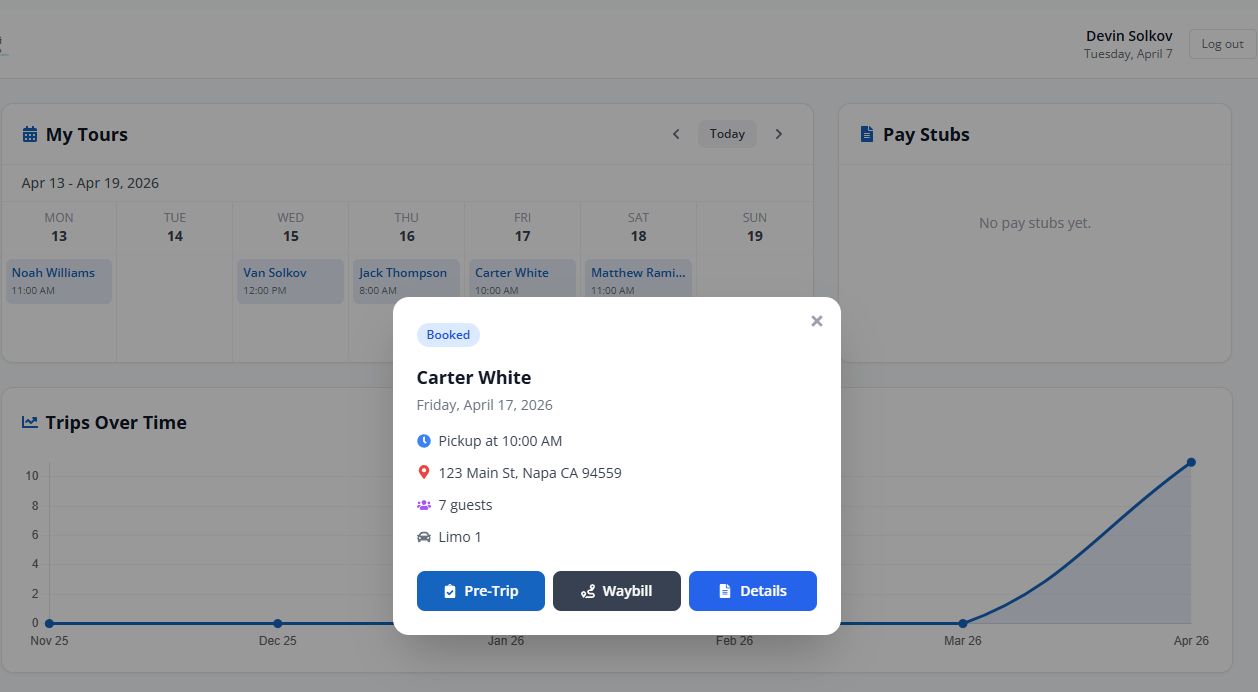
Collect guest ratings after each tour and tie them directly to the assigned driver. See average ratings over time, read written feedback, and spot patterns before they become problems.
Drivers with consistently high ratings show up first in scheduling suggestions, so your best performers get more work.
Mileage and Efficiency Tracking
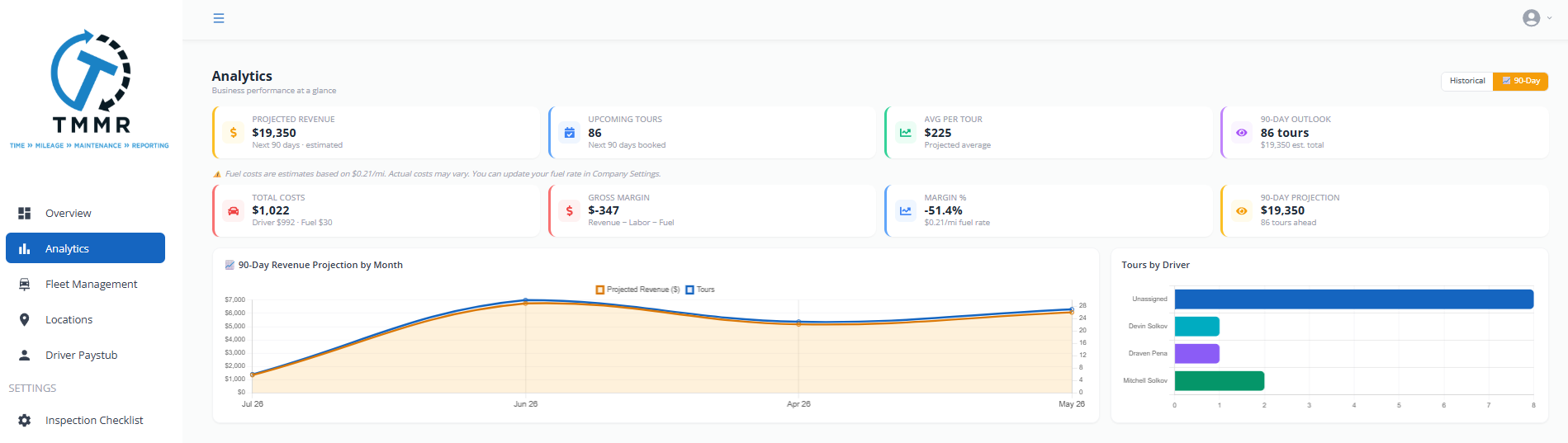
Track actual miles driven per tour versus the planned route. Identify drivers who take efficient routes and those who don’t. Mileage data feeds into income tracking for reimbursement calculations.
Useful for controlling fuel costs and ensuring drivers follow planned itineraries.
Performance Dashboards and Trends
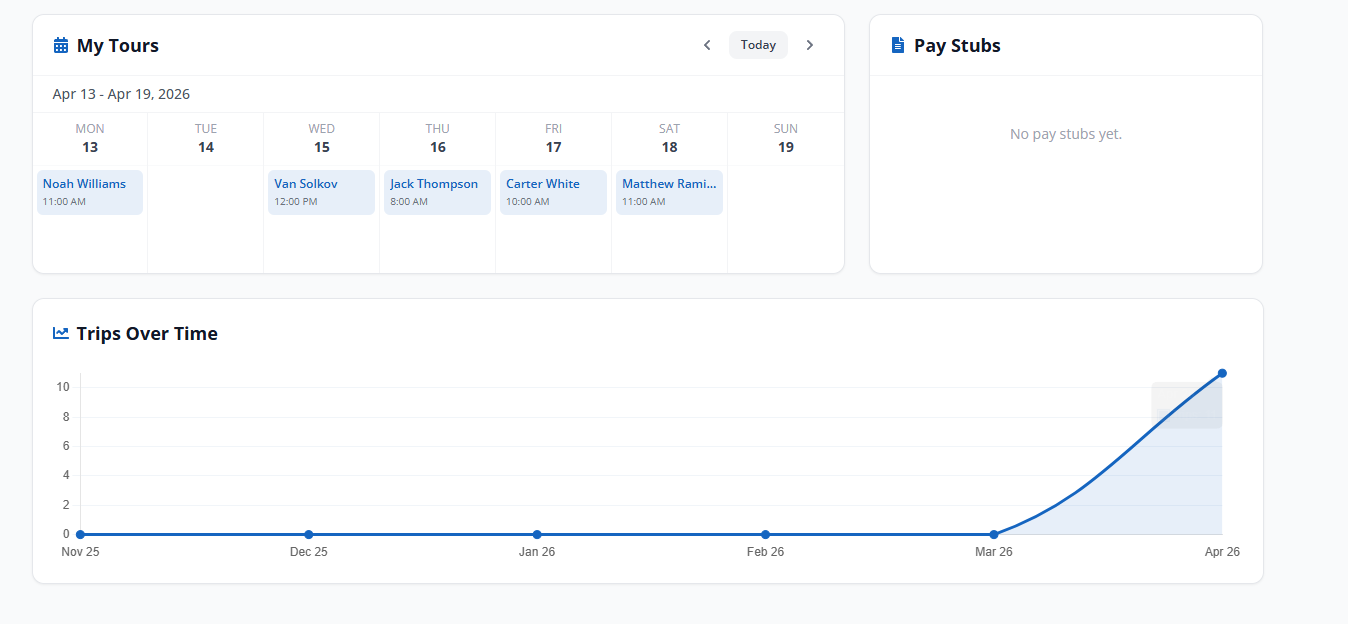
The driver dashboard shows weekly, monthly, and quarterly trends for every metric. Compare drivers side by side. Spot declining performance early. Identify your top performers for bonuses or preferred scheduling.
Export reports for payroll reviews, team meetings, or client reporting through Reporting and Analytics.

From Tour Data to Actionable Insights in 3 Steps
Tours Generate Data
Every completed tour logs timing, mileage, guest ratings, and completion status automatically.
Tour Management Made Right Builds the Picture
Performance metrics roll up into per-driver dashboards with trends over time. No manual entry needed.
Act on the Data
Use performance data to adjust scheduling, reward top performers, and coach underperformers before issues escalate.
Driver Performance Tracking That Drives Repeat Bookings
In wine country, guest experience is everything. A driver who knows the back roads to a hidden tasting room, keeps the group on schedule, and makes the day feel effortless is worth their weight in Cabernet. Tour Management Made Right connects guest satisfaction scores directly to driver assignments so you can see which drivers your guests love and book them again.
Tour Management Made Right vs. Spreadsheets and Generic Tools
| Capability | Spreadsheets | Tour Management Made Right |
|---|---|---|
| On-time tracking | Manual notes | Automatic per tour |
| Guest ratings per driver | Separate survey tool | Built-in collection |
| Mileage efficiency | Driver self-report | Route vs. actual comparison |
| Trend dashboards | Pivot tables | Real-time visual dashboard |
| Driver comparisons | Manual side-by-side | One-click comparison view |
| Exportable reports | Copy-paste | PDF and CSV export |
Frequently Asked Questions
What metrics does Tour Management Made Right track per driver?
Tour Management Made Right tracks on-time rates, tour completion rates, guest ratings, mileage efficiency, total tours completed, and tip amounts. All metrics update automatically after each tour.
Do I have to enter performance data manually?
No. Performance data is collected automatically from tour assignments, driver check-ins, and guest feedback forms. No manual logging required.
Can I compare drivers side by side?
Yes. The performance dashboard supports multi-driver comparison views across any time period. Compare on-time rates, ratings, mileage, and tour volume.
How do guest ratings work?
Guests receive a post-tour feedback form. Ratings are tied to the assigned driver and appear on their performance profile. You can view individual reviews or average scores.
Can I export performance reports?
Yes. Export driver performance data as PDF or CSV for payroll reviews, team meetings, or sharing with clients through Reporting and Analytics.
Does performance data affect scheduling?
Yes. Driver Scheduling uses performance data to surface top-rated drivers first when you’re filling tour assignments.
Can I set performance benchmarks?
Yes. Set minimum thresholds for on-time rates, guest ratings, and tour completion. Drivers below the threshold get flagged in the dashboard for review.