Driver Management Software
Driver Management Software for Tour Operators
Driver management software is the operational hub for every tour company. Tour Management Made Right centralizes driver profiles, certifications, availability, assignment history, and performance metrics in one platform built specifically for tour operations.
Centralized Driver Profiles
Every driver gets a complete profile: contact info, license details, certifications (DOT, alcohol service, CPR), vehicle qualifications, availability preferences, and tour history. No more scattered spreadsheets or paper files.
Filter by certification status, availability, or tour type to find the right driver for any assignment in seconds.
Certification and Compliance Tracking
Track license expirations, certification renewals, and compliance requirements per driver. Get alerts before certifications lapse so you never send an unqualified driver on a tour.
Works especially well for wine country operations where alcohol service permits and county-specific regulations vary by jurisdiction.
Assignment History and Workload View
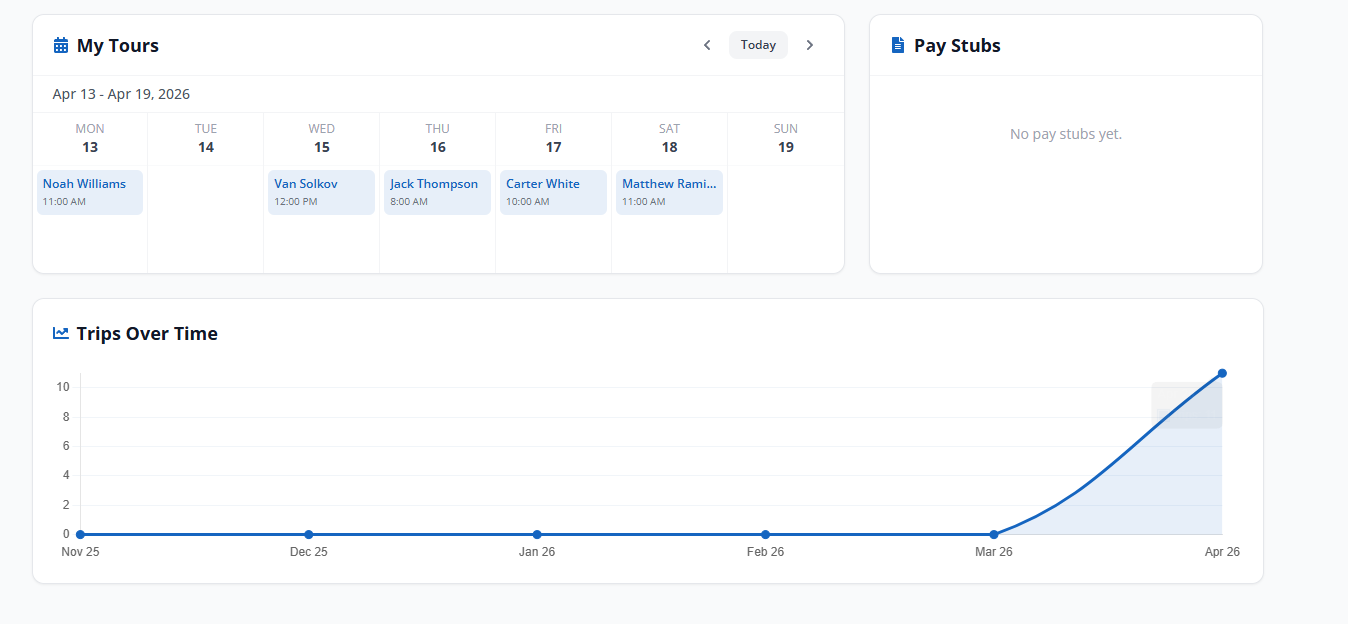
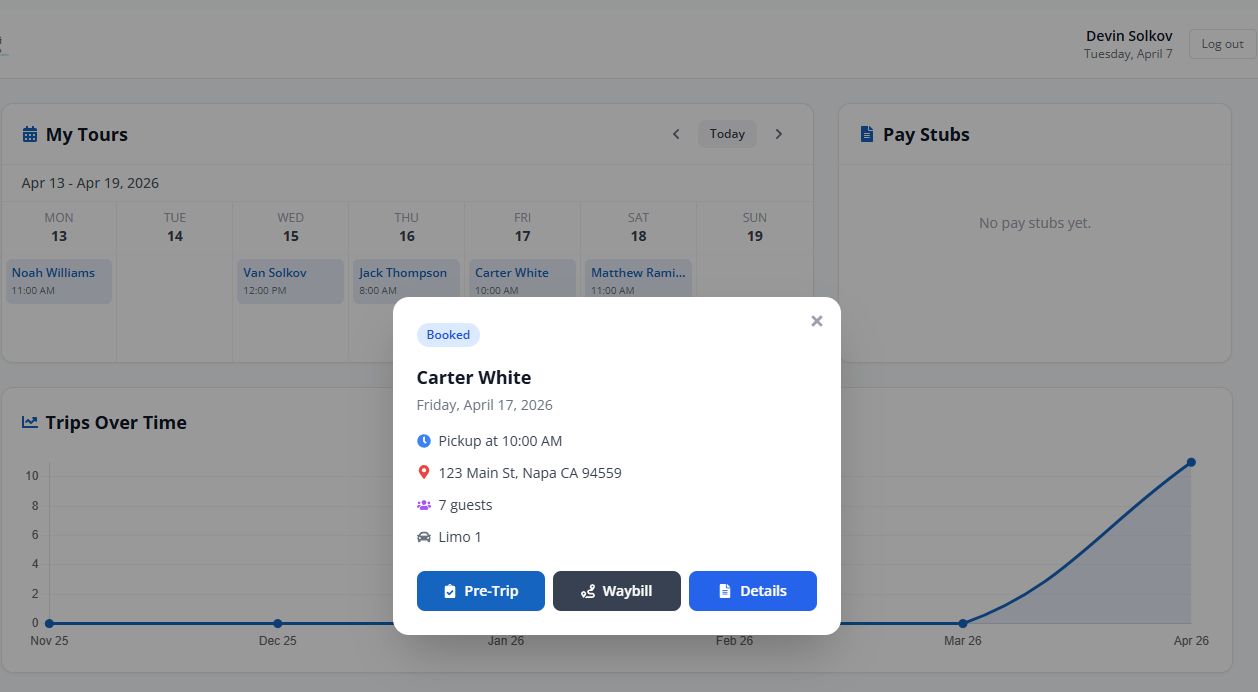
See every tour a driver has been assigned to, their completion rate, and current workload at a glance. Balance assignments across your team to prevent burnout and ensure fair distribution.
Links directly to Driver Scheduling and Performance Tracking for a complete operational picture.

Driver Onboarding Workflow
New driver? Tour Management Made Right walks through a structured onboarding checklist: upload certifications, set availability, assign vehicle qualifications, and grant mobile app access. Everything they need to start taking tours in one workflow.

From Profile to Assignment in 3 Steps
Create the Profile
Add driver details: contact info, licenses, certifications, vehicle qualifications, and availability preferences.
Set Availability
Drivers set their own availability through the mobile app. Dispatchers see who’s available for any given date.
Assign and Track
Match drivers to tours based on qualifications and availability. Track assignment history, performance, and workload.
Driver Management Software for Wine Tour Operations
Wine tour operators in Napa and Sonoma deal with driver requirements that generic fleet software doesn’t understand: alcohol service permits, winery-specific access credentials, knowledge of tasting room protocols, and seasonal driver pools that expand and contract with tourism demand. Tour Management Made Right’s driver profiles let you track all of it in one place.
Tour Management Made Right vs. Spreadsheets and Generic Tools
| Capability | Spreadsheets | Tour Management Made Right |
|---|---|---|
| Centralized driver profiles | Manual rows | Built-in |
| Certification expiry alerts | None | Automatic |
| Assignment history | Separate tracking | Per-driver log |
| Availability management | Text/email | Self-service via app |
| Performance metrics | Manual calculation | Automatic tracking |
| Onboarding workflow | Paper/email | Structured checklist |
Frequently Asked Questions
How many drivers can I manage in Tour Management Made Right?
Both the Enthusiast and Sommelier plans support unlimited drivers. Each driver on your account costs $10/month on top of the base plan price.
Can drivers update their own profiles?
Yes. Drivers can update availability, contact info, and upload certifications through the mobile app. Operators retain control over assignment permissions and profile approval.
Does Tour Management Made Right track certification expirations?
Yes. Each certification includes an expiration date with configurable alerts. You’ll receive notifications before any driver’s license, permit, or certification lapses.
Can I filter drivers by qualifications?
Yes. Filter by certification type, vehicle qualification, availability, or custom tags. Useful for matching drivers to specific tour types (e.g., only drivers with commercial licenses for larger vehicles).
Does the driver profile connect to scheduling?
Yes. Driver profiles feed directly into Driver Scheduling. Availability, qualifications, and current workload are all visible when assigning drivers to tours.
Is there an onboarding checklist for new drivers?
Yes. The onboarding workflow walks through profile creation, certification uploads, vehicle qualifications, availability setup, and mobile app access in a structured sequence.
Can I see a driver’s full tour history?
Yes. Each driver profile includes a complete assignment history with tour dates, routes, clients, tips received, and any incident reports.