
Tour Operator Expense Tracking – Tour Management Made Right
Expense Tracking for Tour Operators
Tour expense tracking for every cost that eats into your margin: fuel, tasting fees, tolls, vendor payments, driver reimbursements. Tour Management Made Right tracks expenses per tour so you know your true profitability, not your top-line revenue.
Per-Tour Expense Tracking
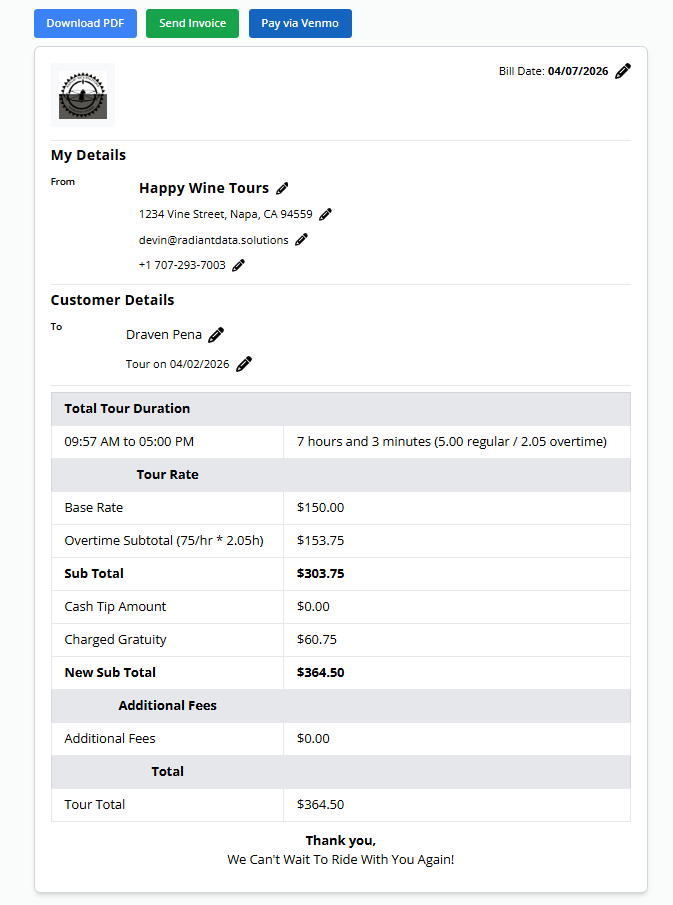
Attach expenses directly to a specific tour. Fuel, tasting fees, parking, tolls, meals, vendor payments. Every cost gets linked to the booking that generated it, so you can calculate true per-tour profitability.
View expense totals alongside revenue for any tour, any route, or any time period.
Receipt Capture and Driver Submissions
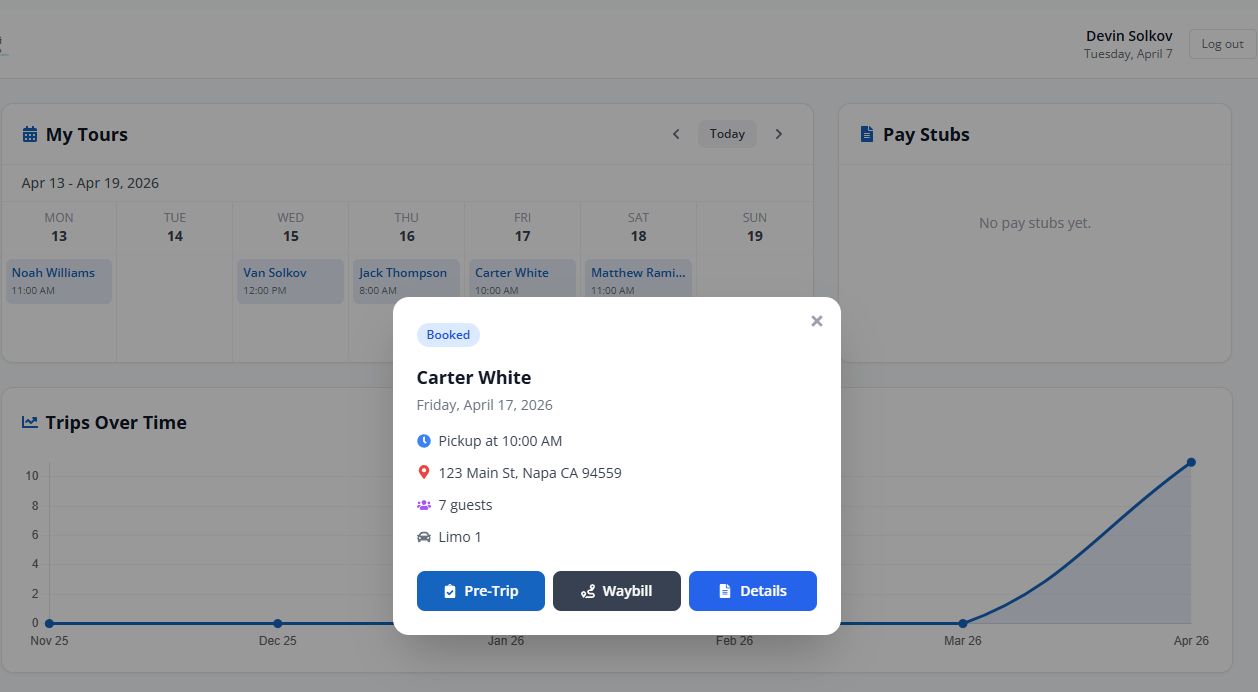
Drivers snap a photo of the receipt from their phone and submit it through the mobile app. The expense gets attached to the tour with the receipt image, amount, category, and notes.
No more shoeboxes of receipts at the end of the month. Expenses are captured as they happen.
Expense Categories and Vendor Payments
Organize expenses by category: fuel, tasting fees, meals, tolls, maintenance, vendor services. Track payments to specific vendors and see where your money goes across your operation.
Custom categories let you tag expenses the way your business actually works.

Fuel and Mileage Tracking
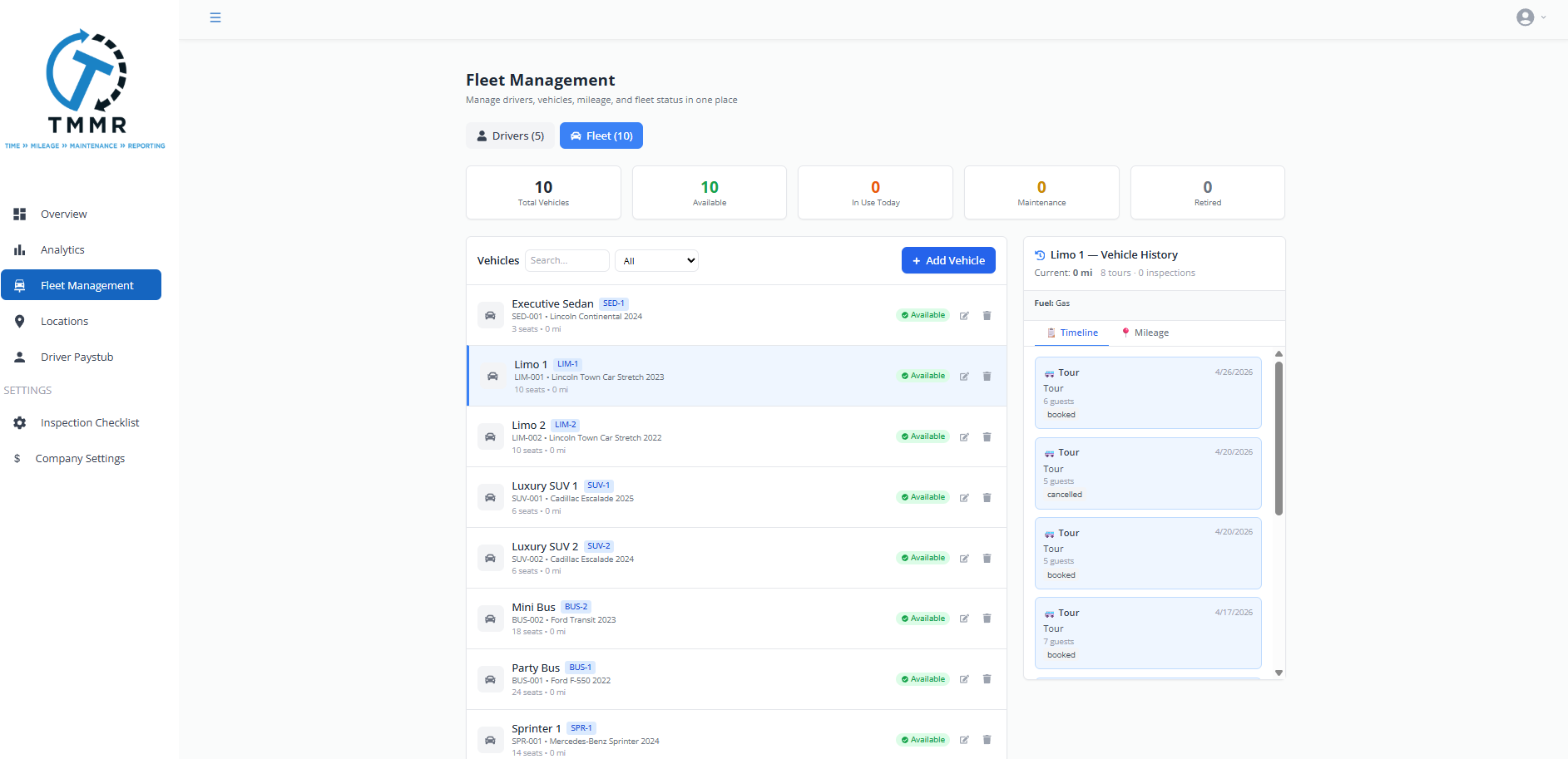
Log fuel purchases per vehicle and per tour. Pair fuel costs with mileage data from Fleet Management to calculate cost-per-mile and identify vehicles that are burning through fuel faster than expected.
Useful for budgeting, pricing, and identifying routes that cost more to operate than they return.
From Receipt to Report in 3 Steps
Capture the Expense
Drivers or dispatchers log expenses from the mobile app or web dashboard. Snap a receipt photo, select a category, and attach it to the tour.
Review and Approve
Operators review submitted expenses, verify receipt images, and approve or flag items for follow-up.
Report and Export
View expense summaries by tour, driver, vehicle, or category. Export the data for accounting or tax reporting.
Tour Expense Tracking for Wine Tour Operators
Wine tours carry costs that generic fleet tools don’t account for: tasting fees at each winery, corkage charges, winery entrance costs for drivers, toll roads between appellations, and seasonal price changes during harvest. Tour Management Made Right categorizes these expenses per tour so you see the real cost of running each route.
Tour Management Made Right vs. Spreadsheets and Generic Tools
| Capability | Manual Process | Tour Management Made Right |
|---|---|---|
| Per-tour expense tracking | End-of-month guessing | Linked to each booking |
| Receipt capture | Shoebox of paper | Mobile photo upload |
| Driver expense submissions | Text messages | In-app submission |
| Expense categories | Unsorted pile | Custom categories |
| Fuel cost per mile | Manual calculation | Automatic from fleet data |
| Profitability by tour | Not tracked | Revenue minus expenses |
Frequently Asked Questions
Can drivers submit expenses from the field?
Yes. Drivers use the mobile app to snap a receipt photo, select a category, enter the amount, and attach it to their current tour. No paperwork at the end of the day.
Can I track expenses per tour?
Yes. Every expense is linked to a specific booking. You can view total costs for any tour and compare against the revenue it generated.
Does Tour Management Made Right track fuel costs?
Yes. Log fuel purchases per vehicle and per tour. Tour Management Made Right pairs this with mileage data from Fleet Management to calculate cost-per-mile automatically.
Can I customize expense categories?
Yes. Tour Management Made Right includes default categories (fuel, tasting fees, tolls, meals, maintenance) and lets you create custom categories for your specific operation.
Is there an approval workflow for driver-submitted expenses?
Yes. Operators can review and approve driver-submitted expenses before they’re finalized. Flag items for follow-up or reject them with a note.
Can I export expense data for tax reporting?
Yes. Export expense reports by date range, category, driver, or tour in CSV format. Use the data for tax filings, reimbursement tracking, or accounting imports.
Does expense data feed into reporting?
Yes. Expense data flows into Reporting & Analytics so you can see profitability by tour, route, driver, or time period.